Launchpad is gone. Bring it back.
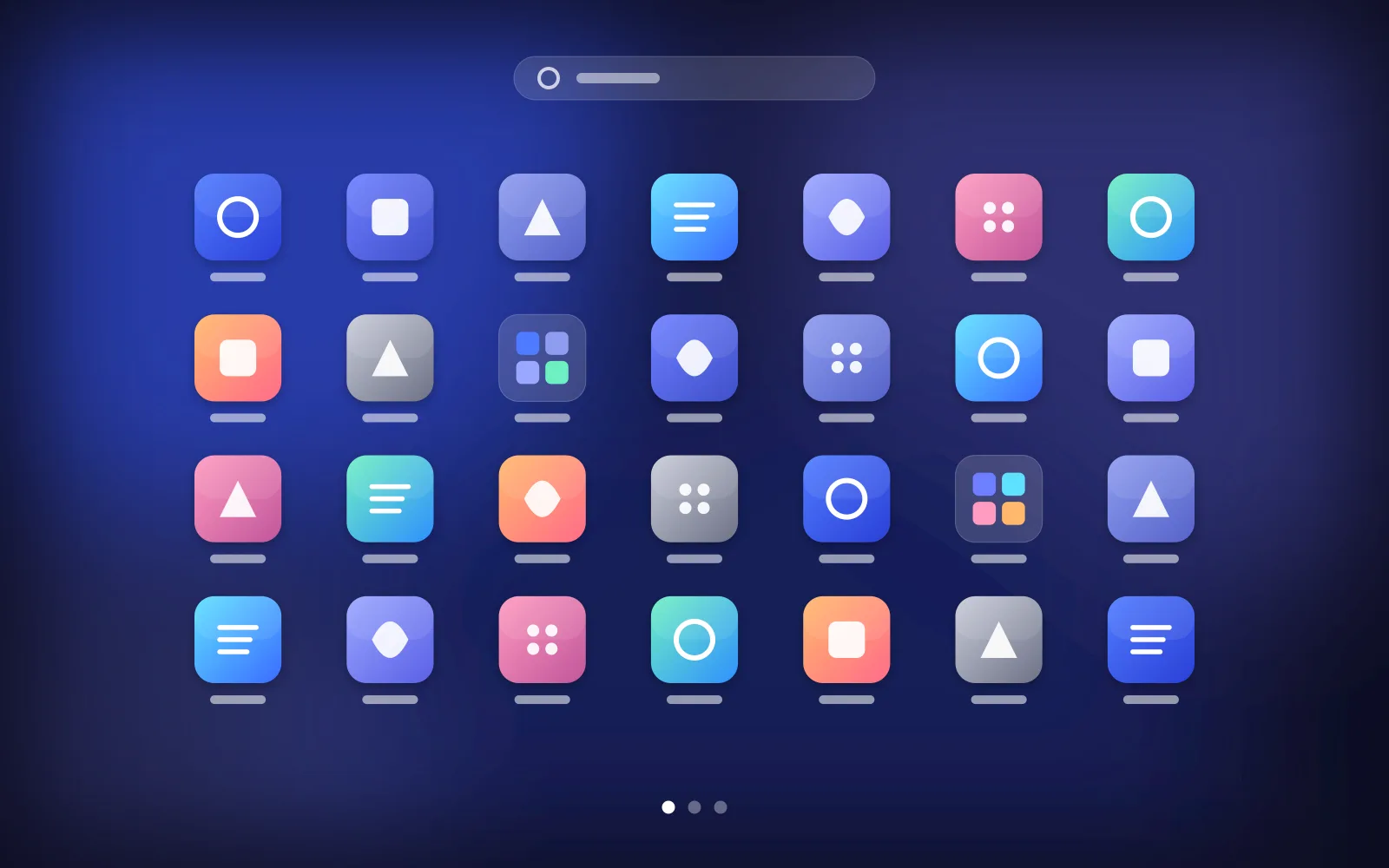
The full-screen app grid, pages, folders and drag-and-drop you remember — rebuilt for macOS 26 Tahoe and macOS 27.
macOS 26 & 27 · Apple Silicon and Intel · Universal build
Why it exists
Apple removed Launchpad.
With macOS 26 Tahoe, Apple quietly replaced Launchpad with a searchable app list. No more full-screen grid. No more pages you could swipe through. No more folders you arranged by hand over the years. macOS 27 did not bring it back. Muscle memory still reaches for it every day — so we rebuilt it.
Features
Everything Launchpad did. Nothing you have to relearn.
A grid of apps that behaves exactly the way your hands expect it to.
Swipe between pages
Two-finger swipe, arrow keys or the page dots — just like before.
Real folders
Drop one app onto another to make a folder. Rename it, reorder inside it.
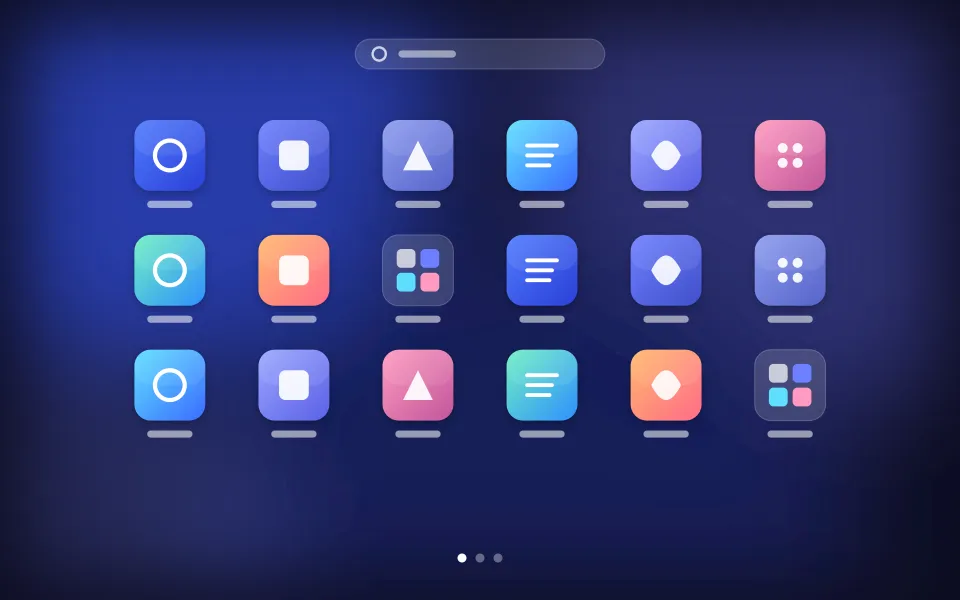
The full-screen grid is back
Every app on your Mac, laid out on a blurred full-screen canvas. Open it with a key, a gesture or a hot corner.
Drag, drop, done
Rearrange icons with drag and drop, move them across pages, and keep your layout exactly where you left it.
Type to launch
Start typing the moment it opens. Fuzzy matching finds the app you meant.
Your trigger, your way
Global shortcut, F4 key, hot corner or trackpad pinch.
Play
Go on, hover it.
A little dock to play with. Click an icon to learn what it does.
Hover to magnify · click for details
Grid — Full-screen grid of every app on your Mac.
Pricing
Pay once. Use it on all your Macs.
Try it free for 7 days. Buy it once if you like it — no subscription, ever.
7-day trial
$0All features · no sign-up
- Every feature, unlocked
- No sign-up, no card
- Buy any time to keep using it
Full license
One-time purchase$9.9
one-time · no subscription
- Every feature, no limits
- Custom grid rows, columns & icon size
- Custom background & blur
- Hot corners & trackpad gestures
- Multiple saved layouts
- Layout backup & restore
- All 1.x updates included
Secure checkout by Creem. Prices in USD; local taxes may apply.
FAQ
Frequently asked questions
Which versions of macOS are supported?
LaunchHome supports macOS 26 Tahoe and macOS 27 Golden Gate, on both Apple Silicon and Intel Macs. It is a single universal app.
What permissions does it need?
LaunchHome asks for Accessibility permission only if you enable global gestures or hot corners, so it can detect them system-wide. It does not read your files, does not record your screen and does not collect personal data.
Why isn’t it on the Mac App Store?
Features like global gestures and hot corners require system permissions that sandboxed App Store apps are not allowed to use. Distributing directly also lets us ship fixes faster. The app is signed and notarized by Apple.
How do I activate LaunchHome on multiple Macs?
After purchase you receive a license key by email. Open LaunchHome → Settings → License on each Mac and paste the key. One license activates up to 5 Macs; you can deactivate a Mac at any time to free up a slot.
How do refunds work?
If LaunchHome doesn’t work for you, email us within 14 days of purchase for a full refund — no questions asked. See the refund policy for details.